Measuring What Your AI Actually Does: Per-Ticket Effort Tracking with Devin and Jira
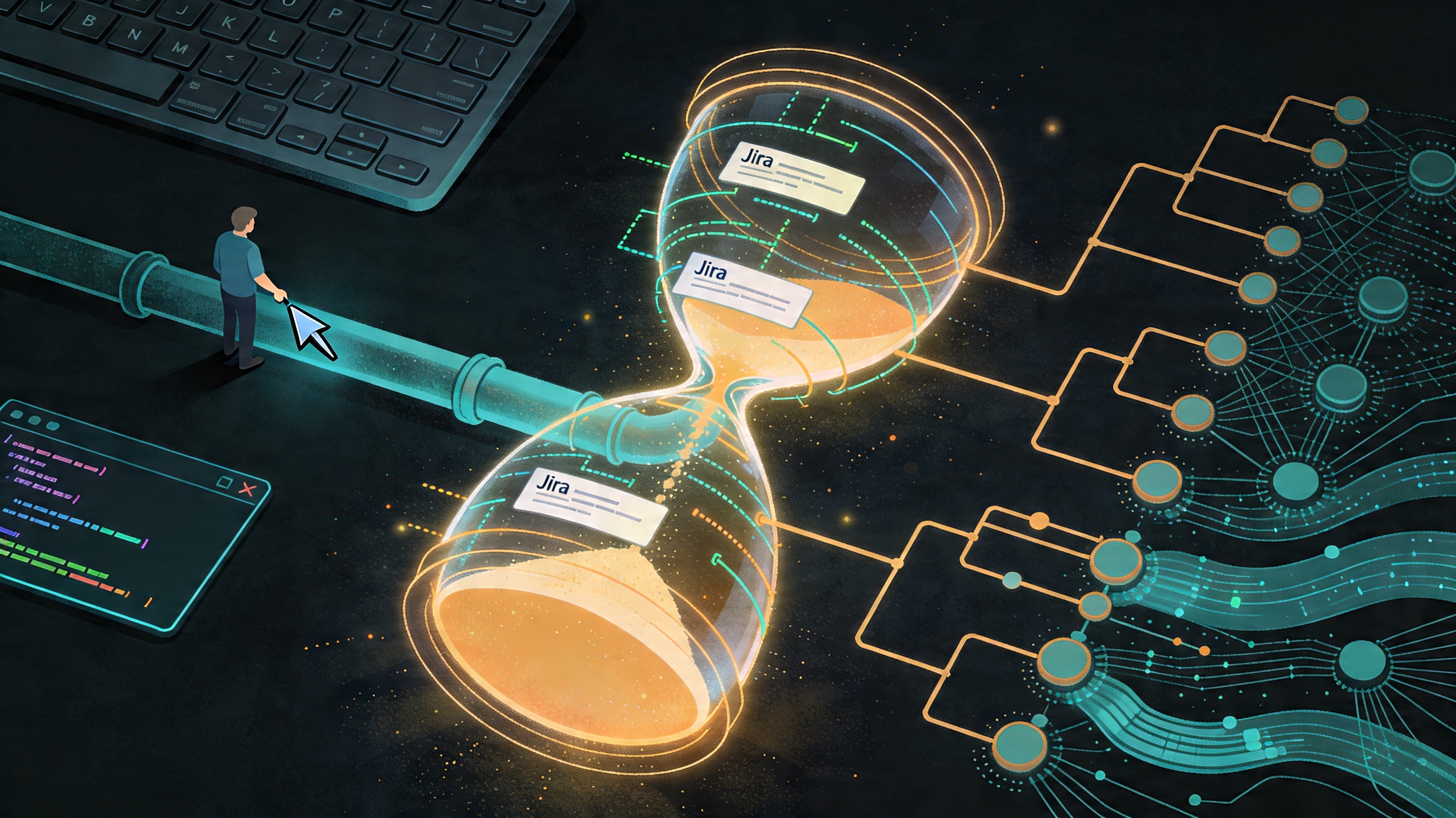
Every manager approving an AI tooling budget eventually asks the same question: how do I know it’s working? I accidentally built the answer.
The Accidental Discovery
While building wt_jira, I noticed something useful sitting inside
Devin’s local database. Because Devin runs as a standalone tool from the
bash shell, it maintains its own session store — and that store contains
something genuinely interesting: a record of which directories were
active during each session, how long each session ran, and an effort
metric that reflects how much work the AI was doing.
It isn’t a direct token count. But it’s a consistent measure of AI effort, and it maps naturally onto the worktree-per-ticket model I’d already built. Each worktree is a directory. Each directory is a ticket. The data was already there — I just had to join it.
What the Data Contains
Querying Devin’s session database gives you three useful dimensions per session:
- Directory — which worktree, and therefore which Jira ticket, the session was running in
- Duration — wall-clock time for the session
- ACU — Devin’s documented Agent Compute Unit metric, which Session Insights uses to describe session compute use and relative session size. I found it by exploring the schema; I still do not know the exact formula, but it is a real platform metric rather than something I invented.
Alongside that, I asked Devin to help me track how much time I spent in individual directories using shell debug hooks. Every time a new command starts, the hook can see which worktree is active and update the local tracking database.
Combined, those two sources give a much richer picture per ticket:
- Time spent in the ticket’s worktree
- Time spent with AI sessions active in that worktree
- A best-effort AI compute signal attached to the same ticket
Avoiding Double Counting
The moment you start using multiple worktrees in parallel, one obvious problem shows up: if two worktrees are active at the same time, how do you avoid logging more human time than actually exists?
I kept that part intentionally simple. The directory tracker is there to measure my time, not to pretend I was working twice as hard because I had multiple agents going. So when multiple worktrees are active at once, the elapsed wall-clock time is shared across them instead of being double-counted.
That split is conservative, but it is also honest. The human side stays bounded by real time. The AI side is carried separately by Devin’s ACU metric. I am not claiming perfect accounting here — just a best-effort, auditable split that does not inflate my hours.
The Script
I asked Devin to build the tracking script itself, which felt
appropriately recursive. It uses the same stack as wt_jira: shell
scripting, curl for the Jira REST API, and gh for anything touching
GitHub. The result has three parts:
- A shell hook that logs directory activity to a local database
- A query layer that joins that activity against Devin’s session data for the same directory
- A
curlcall that writes the normal Jira work log entry and adds a comment with AI effort and AI time details
The Jira work log still looks like a normal time entry according to our Jira setup. The extra AI details live alongside it as a comment, so the standard process remains intact while the richer context is preserved.
Why This Matters Beyond My Sprint
This is useful to me because my manager sees logged hours on tickets. But the more important number — the one that helps justify AI tooling spend — is the ticket-level AI effort signal.
For the first time, it becomes possible to ask questions that usually turn into vague guesses:
- Which ticket types consume the most AI effort?
- What is the ratio of AI work to human work per story point?
- Is AI utilisation higher on bug fixes or on new features?
- How does AI effort trend over a sprint as the team gets more comfortable with the tools?
Management already has some organizational ways to see overall platform usage. What this adds is a best-effort breakdown by Jira ticket. Even if it is not perfect, it gives a much more actionable attribution layer, and it makes it easier to connect at least a proportion of compute spend to actual pieces of work.
Justifying AI tool spend used to be a hand-wavy conversation about developer sentiment and vibes. With this data attached to each ticket, it does not have to be anymore.
Part three of a series. Start with Git Worktrees: The Missing Piece or read wt_jira: When the Workflow Became the Product.
This post was drafted with the assistance of Perplexity AI, based on my own first-hand experience. All technical details, workflow decisions, and opinions are my own.